Books Videos

Showing posts with label AutoCAD Plant 3D. Show all posts

Monday, December 12, 2022

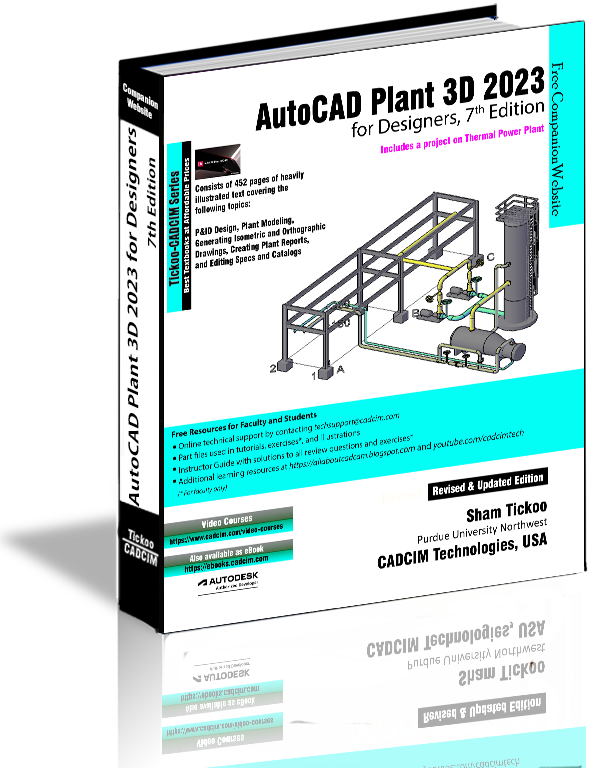
AutoCAD Plant 3D 2023 for Designers, 7th Edition

AutoCAD Plant 3D 2023 for Designers book introduces the readers to AutoCAD Plant 3D 2023, one of the world’s leading application, designed specifically to create and modify P&ID’s and plant 3D models. In this book, the author emphasizes on the features of AutoCAD Plant 3D 2023 that allow the user to design piping & instrumentation diagrams and 3D piping models. Also, the chapters are structured in a pedagogical sequence that makes this book very effective in learning the features and capabilities of AutoCAD Plant 3D 2023.

https://www.cadcim.com/978-1-64057-155-6/plan3D_2023_3D_web_big.png

Special emphasis has been laid in this book on tutorials and exercises, which relate to the real world projects, help you understand the usage and abilities of the tools available in AutoCAD Plant 3D 2023. You will learn how to setup a project, create and edit P&IDs, design a 3D Plant model, generate isometric/orthographic drawings, as well as how to publish and print drawings.

Table of Contents

Chapter 1: Introduction to AutoCAD Plant 3D
Chapter 2: Creating Project and P&IDs
Chapter 3: Creating Structures
Chapter 4: Creating Equipment
Chapter 5: Editing Specifications and Catalogs
Chapter 6: Routing Pipes
Chapter 7: Adding Valves, Fittings, and Pipe Supports
Chapter 8: Creating Isometric Drawings
Chapter 9: Creating Orthographic Drawings
Chapter 10: Managing Data and Creating Reports
Project: Thermal Power Plant (For free download)
Index

AutoCAD 2023: A Problem-Solving Approach, Basic and Intermediate 

AutoCAD 2023 Book by Prof. Sham Tickoo


Wednesday, October 30, 2019

Using Data Manager in AutoCAD Plant 3D 2020

Plant 3D Data Manager was developed for project team members who use plant project data in their daily workflows. With AutoCAD P&ID and AutoCAD Plant 3D, project teams can only access and modify project data through the Autodesk applications which typically require workstation-grade machines to run on. Plant 3D Data Manager is a stand-alone application that enables access to and control of plant project data from standard desktop and laptop computers that do not have AutoCAD plant products installed.

With Plant 3D Data Manager, project engineers, process engineers, instrumentation engineers, and designers can access plant project data in an intuitive tabular user interface. Plant 3D Data Manager allows multiple users to edit project data even while the drawings containing the data are open in production.
Until now users of AutoCAD P&ID and AutoCAD Plant 3D could only capture data for objects placed in drawings or into a model. A key new feature of Plant 3D Data Manager is the capacity to create non-placed objects or NPOs. NPOs enable project teams to create and manage, from the Plant 3D Data Manager interface, plant projects components that are typically not represented by graphics or 3D components.

Also, because NPOs can be converted into P&ID or Plant 3D objects, project teams can pre-populate project components into the plant project database even before creating P&ID graphics or 3D models.
Extending the functionality of AutoCAD P&ID and Plant 3D further, Plant 3D Data Manager also allows users to define and create relationships between plant project objects. Relationships can be defined between graphical objects, between graphical objects and NPOs, or between NPOs.
Plant 3D Data Manager significantly extends the native data handling capabilities of AutoCAD P&ID and AutoCAD Plant 3D, providing increased flexibility and functionality of your plant design workflows.

Buy AutoCAD Plant 3D 2020 Book from:

https://www.amazon.com/AutoCAD-Plant-2020-Designers-5th/dp/1640570586/https://www.amazon.com/AutoCAD-Plant-2020-Designers-5th/dp/1640570586/